Volley Bomb Controls Guide
Bump, spike, dive, and ability bindings for every device — and why Shift Lock matters.
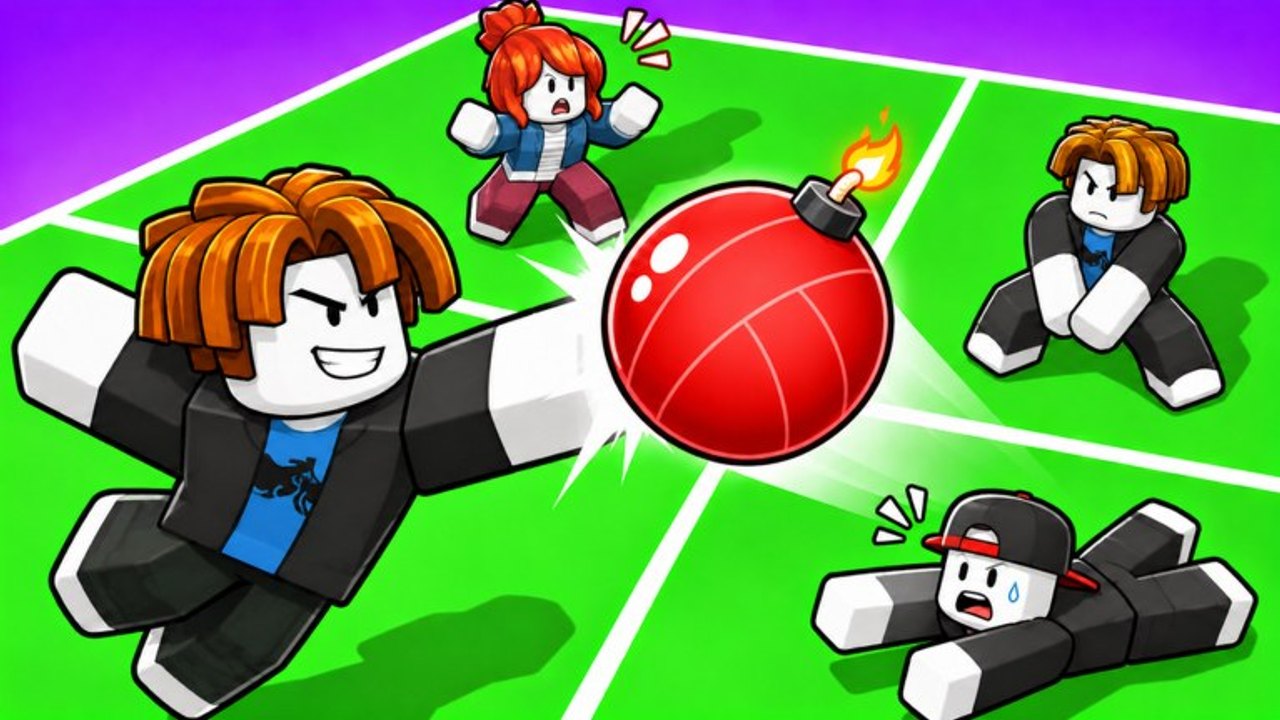
Clean inputs win more Volley Bomb rallies than raw aggression. This controls guide lists every official binding for PC, mobile, and controller, explains Shift Lock, and shows how the same four actions — bump, spike, dive, ability — feel in a live square. Read it once after Getting Started, then return whenever you switch devices.
Official action list
Volley Bomb exposes four combat actions. The hit button is shared between bump and spike; the difference is whether you are grounded or jumping.
| Action | What it does | PC | Mobile | Controller |
|---|---|---|---|---|
| Bump | Redirect the bomb while grounded | Left Mouse Button | Tap UI button or tap screen | R2 |
| Spike | Attack while airborne | Jump + Left Mouse Button | Jump + tap UI / screen | Jump + R2 |
| Dive | Save a ball landing in your square | E | Tap Dive UI button | R1 |
| Ability | Activate your equipped ability | R | Tap Ability UI button | L2 |
Movement uses standard Roblox WASD / thumbstick / virtual joystick. Jump is Space on PC, the jump button on mobile, and the usual face / bumper jump on controller depending on your Roblox settings. Always confirm jump still works after changing Roblox accessibility options.
Why Shift Lock is required
The game description ends with USE SHIFT LOCK for a reason. Shift Lock pins your character facing to the camera. Bumps and spikes then travel along the direction you are looking instead of drifting with free-look facing. Competitive players treat Shift Lock as mandatory on PC; without it, you will mistime spikes into your own floor or send soft bumps sideways.
How to enable it on PC: open the Roblox menu or use the Shift Lock switch in the avatar controls if your experience shows one, then keep it on for the whole session. If Shift Lock toggles off after death or square loss, turn it back on immediately before the next serve exchange.
On mobile and controller you may not get the classic Shift Lock toggle the same way, but you can still mimic the benefit: keep the camera pointed at the square you intend to attack, and avoid spinning the view mid-swing. Consistent camera discipline is the console and touch equivalent of Shift Lock.
PC details
Bump (LMB). Click when the bomb is in reach and your feet are on the ground. Short, early bumps stabilize. Late, panicked clicks often pop the ball straight up with no useful angle.
Spike (Jump + LMB). Jump first, then click near the peak as the ball enters your hit window. Clicking before you leave the ground still registers as a bump. Full timing notes live in How to Spike.
Dive (E). Press E when the landing point is inside your square and a standing bump will miss. Diving too early slides you out of position; diving too late lets the bomb touch the floor and explode. Drill this on How to Dive.
Ability (R). Press R only when your ability’s effect matters — Magnet pull, Super Spike finish, or whatever kit you equipped. Ability theory is covered in the abilities guide. Do not bind unrelated macros over R; you need the default key under pressure.
Mobile details
Mobile uses on-screen UI buttons plus optional tap-to-hit on the screen itself. Learn which overlay button is Dive versus Ability before your first ranked-feeling lobby; mis-tapping Ability when you meant Dive loses squares instantly.
Bump / Spike. Tap the hit UI or the screen. Add jump for spikes. Because thumbs share the lower UI, practice jumping with one thumb while the other hits so the spike window stays clean.
Dive. Use the dedicated Dive button. Do not rely on hope that a late screen tap will save you — dive is its own control.
Ability. Tap Ability only when the cooldown is ready and the situation matches your kit. Accidental ability taps are the most common mobile mistake after missed dives.
Reduce UI clutter if Roblox settings allow, and keep your fingers clear of the jump and dive buttons during calm bumps so you do not fire the wrong action.
Controller details
Official mapping:
- R2 — bump when grounded, spike when combined with jump
- R1 — dive
- L2 — ability
That split puts offense on the right triggers and utility on the bumpers / left trigger. If your controller profile remaps Roblox triggers, reset to default for Volley Bomb until the muscle memory sticks. Analog aim still benefits from steady camera work; nudge the look stick toward the enemy square before you jump-spike.
UI buttons and feedback
Watch the on-screen prompts the first time you join. Dive and Ability overlays light or animate when usable. After a dive, wait for your character to recover before you expect a full-speed spike. After an ability, glance for cooldown feedback so you do not mash R / L2 during the dead window.
If a button seems dead, check three things: Shift Lock / camera, whether you are mid-dive recovery, and whether the ability is on cooldown. Most “broken controls” reports are one of those three.
Practice drills for bindings
- Bump only. Sixty seconds of grounded LMB / tap / R2 contacts with Shift Lock on. Goal: every bump leaves your square.
- Spike only. Jump plus hit ten times into an occupied square. Goal: no grounded mis-clicks.
- Dive only. Let soft balls enter your zone and save them with E / UI / R1. Goal: zero ground explosions.
- Ability once. Fire R / L2 a single time with intent, then play the cooldown. Goal: no panic double-taps.
Run the drills after reading Getting Started and before you chase advanced tech on How to Spike or How to Dive.
Controls mistakes that cost squares
- Playing PC without Shift Lock.
- Holding the hit button instead of tapping clean contacts.
- Jumping too early so the spike click happens on the way up with no power angle.
- Diving with the ability key by muscle memory swap (especially on mobile).
- Rebinding dive off E without updating your habits.
- Looking at the sky while bumping, so the ball returns into your own floor.
Fix bindings and camera first. Mechanics pages cannot help if the wrong key fires.
How controls connect to the rest of the wiki
Once inputs feel automatic, deepen each action:
- Offense → How to Spike
- Defense → How to Dive
- Cooldown plays → Abilities and the tier list
- Progression extras → Codes, Updates, Players
- Community → Official Links
- Full index → Guides Hub
Avoid Scripts unless you accept third-party risk; this page assumes the default Roblox control stack.
Master the table above, keep Shift Lock on, and every later guide becomes easier to execute under pressure.
Frequently Asked Questions
Quick answers to the most common Volley Bomb questions.
What are the PC controls for Volley Bomb?
Bump with Left Mouse Button, spike with Jump + Left Mouse Button, dive with E, and use your ability with R. Enable Shift Lock for consistent aim.
What are the mobile and controller bindings?
Mobile uses tap UI / screen for bump and spike (add jump to spike), plus Dive and Ability UI buttons. Controller uses R2 for bump/spike, R1 for dive, and L2 for ability.
Why does the game say USE SHIFT LOCK?
Shift Lock locks facing to the camera so bumps and spikes go where you look. Without it, aim drifts and you will lose squares to self-inflicted bad angles. See also Getting Started.
Is spike a different button from bump?
No. Spike uses the same hit input while you are jumping. Grounded hit = bump; airborne hit = spike. Timing details are in How to Spike.
Where do I learn ability timing after controls?
Read the abilities guide for Magnet, Super Spike, and R / L2 decision making, then compare rankings on the tier list.